There's no shortage of invoicing software for tradies — some built for Australian trades, plenty built for generic small businesses overseas, and a few that are really full job-management platforms with invoicing tacked on. Picking the wrong one usually means paying for features you never use, or fighting with GST settings that weren't designed for the ATO.
This isn't a ranked list (we've already done that in our best free invoice apps for Australian tradies roundup). Instead, it's a buyer's guide: the features that actually matter, the questions to ask before you sign up, and the traps that catch tradies out. Use it to judge any app — including ours.
Start with how you actually work
Before comparing feature lists, be honest about your business. A one-person sparky doing a few jobs a week needs something very different to a builder running three crews.
- How many invoices a month? A handful, or dozens? This decides whether invoice caps and per-job pricing will bite.
- Do you have staff? If it's just you, scheduling, timesheets and dispatch features are dead weight you'll pay for.
- Where do you write invoices? On site from your phone, in the ute between jobs, or at the kitchen table on Sunday night?
- Are you registered for GST? If yes, every invoice needs to be a compliant Tax Invoice. If not, the software must let you invoice without GST.
- Do you already have a bookkeeper or accountant? If so, ask what format they want your records in before you choose.
Must-have features in invoicing software for tradies
These are the non-negotiables for an Australian tradie. If an app gets any of these wrong, keep looking.
1. GST handled properly — not as a generic "tax" setting
GST in Australia is 10%, and on a Tax Invoice the GST amount should be clearly shown. Good invoicing software works this out automatically for every line and shows the subtotal, GST and total separately. Watch for international apps where you have to create a custom "tax rate" yourself — it works, but it's easy to set up wrong or forget on one line item. If you want to double-check the maths, see how to calculate GST on an invoice.
Just as important: if you're not registered for GST, the software must let you turn GST off entirely and stop labelling your invoices "Tax Invoice". Not sure where you stand? Read do I need to add GST to my invoice.
2. A proper ABN field and "Tax Invoice" label
Your ABN and the words "Tax Invoice" are ATO requirements for GST-registered businesses, not optional extras. The software should put them on every invoice automatically, along with the other required fields. Here's the full list: what must a Tax Invoice include.
3. Works offline
Basements, rural properties, new estates and roof spaces often have patchy reception. Many cloud-only apps simply won't load without a connection. Ask directly: can I create and save an invoice with no signal, and will it sync later? Test it yourself during the trial by switching your phone to flight mode.
4. Quotes that convert to invoices
Most trade jobs start with a quote. Software that turns an accepted quote into an invoice in one step saves re-typing, and means the price you agreed is the price you bill. If you're fuzzy on the difference, see quote vs invoice.
5. Easy on a phone
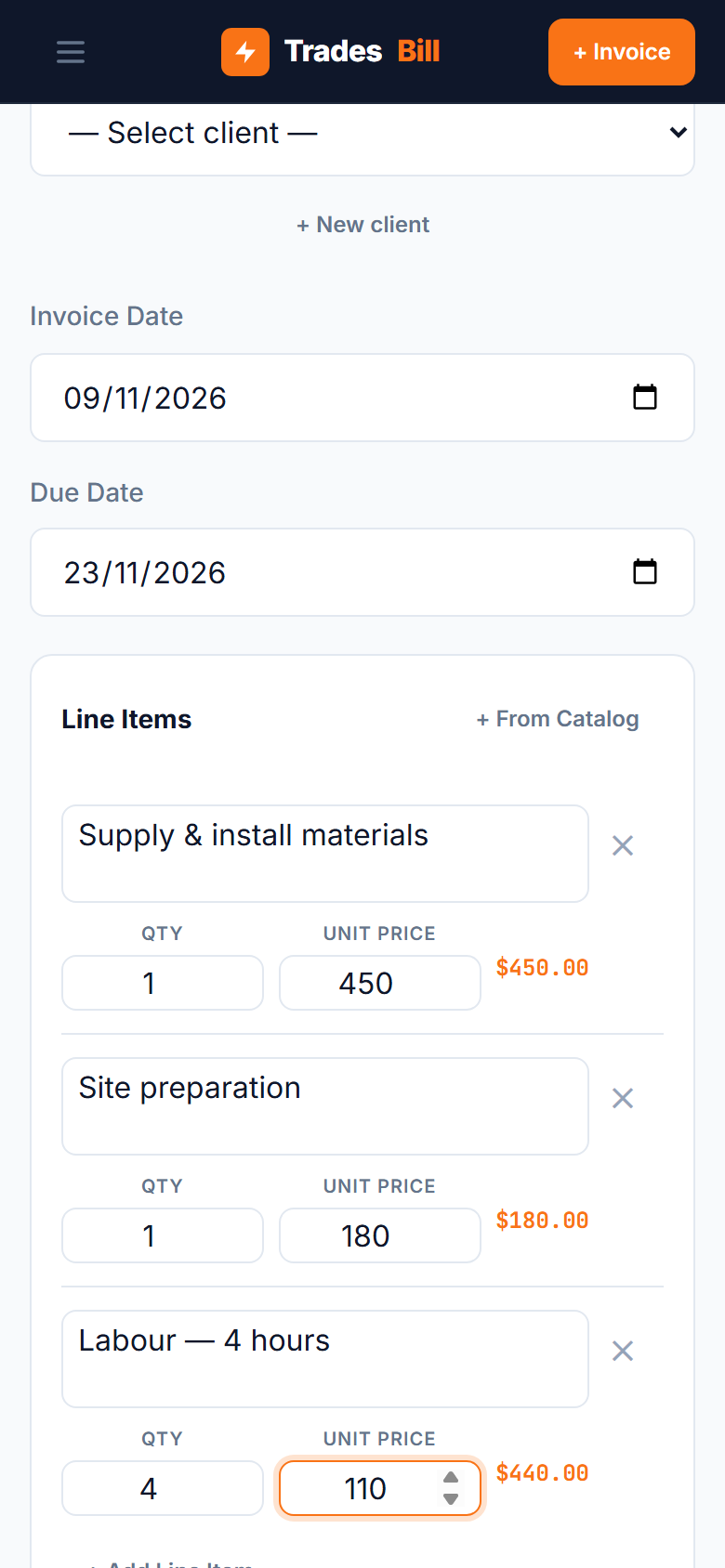
If the app is clumsy on a small screen, you'll put off invoicing until the weekend — and late invoices get paid late. Try building a real invoice with three or four line items on your phone during the trial. If it's a chore, it will stay a chore.
Quick test: Before committing, create one real invoice from start to finish — add a client, a few line items, check the GST, export the PDF and send it to yourself. Ten minutes of testing tells you more than any feature list.
Understanding pricing models before you choose invoicing software
The sticker price is rarely the full story. Invoicing software for tradies is usually priced in one of these ways — and each suits a different kind of business.
| Pricing model | How it works | Watch out for |
|---|---|---|
| Free (unlimited) | Core invoicing costs nothing; extras may be paid. | Which features are locked behind the paid tier. |
| Freemium with caps | Free up to a set number of invoices or clients. | Hitting the cap in a busy month. |
| Monthly subscription | Flat fee per month, often per user. | Per-user pricing once you add an apprentice or office help. |
| Per job / volume | Price rises with the number of jobs you run. | Costs climbing just as the business gets busy. |
| Payment processing | Invoicing is free; a fee is taken when clients pay online. | The fee on large invoices adds up fast. |
There's no single "right" model. A solo tradie with steady low volume usually does best on a genuinely free plan. A growing business with staff may get real value from a subscription that includes scheduling and timesheets. The mistake is paying for a team platform when you're a team of one.
Nice-to-have features (only if you'll use them)
- Payment status tracking — seeing which invoices are paid, due and overdue at a glance.
- Reminders for overdue invoices — handy if chasing payment is a regular headache. Our guide to following up an unpaid invoice has templates if you'd rather do it yourself.
- Your logo on PDFs — looks more professional, but doesn't affect compliance.
- BAS or tax summary reports — useful at BAS time if you lodge yourself.
- Cloud sync across devices — matters if you invoice on your phone but do admin on a laptop.
- Accounting integrations — worth it if your bookkeeper already uses a particular accounting package.
Questions to ask before you sign up
- Do I need a credit card to start? If yes, put a reminder in your calendar before the trial ends.
- Is there an invoice or client limit on the free plan?
- Can I export my data (clients and invoices as PDF or CSV) if I leave?
- Does it work without internet, and what happens to unsynced invoices?
- Is it set up for Australian GST and ABN by default, or do I configure it myself?
- Can I turn GST off if I'm under the registration threshold?
- What does it cost if I add a second person?
Red flags to watch for
A few warning signs that an app isn't a good fit for an Australian tradie:
- Invoices labelled with "VAT" or "Sales tax", or no obvious place for your ABN.
- No way to see the GST amount separately from the total.
- Pricing only shown in US dollars, or only available after you book a demo.
- No data export — you should always be able to take your records with you.
- A free trial that requires a card and auto-renews into an annual plan.
Remember the ATO expects you to keep business records, including invoices, for five years — so whatever you choose, make sure your history is safe and exportable.
Where TradesBill fits
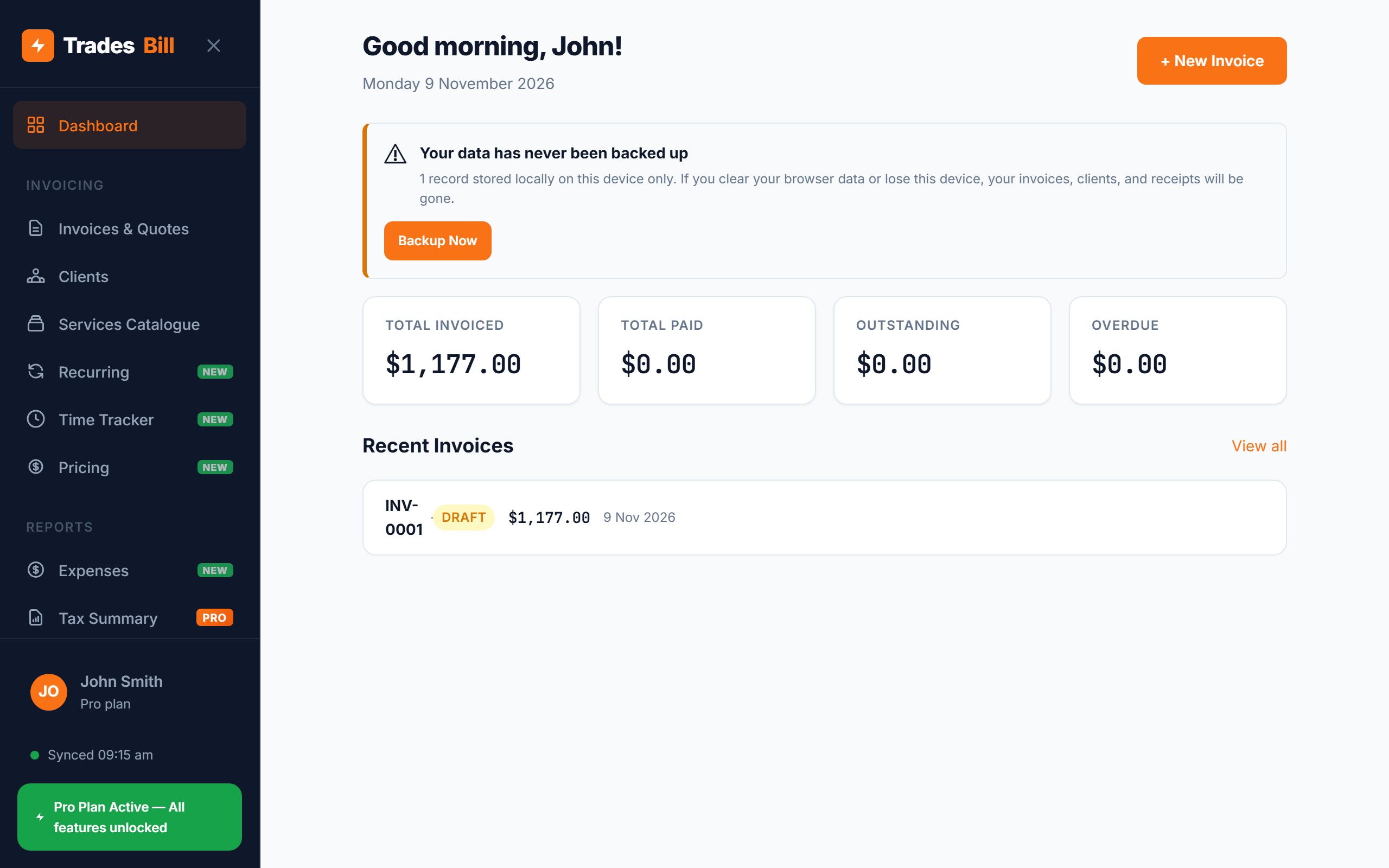
We build TradesBill, so take this with that in mind. It's a free invoice app for tradies designed around the checklist above: ABN, "Tax Invoice" label and 10% GST are built in, GST can be switched off if you're not registered, it works offline as an installable web app, and quotes convert to invoices in one tap. The Free plan has no invoice cap and needs no card. Pro ($9/month or $89/year) adds cloud sync across devices, your logo on PDFs, BAS-ready tax summary reports and custom PDF templates.
What it isn't: a job-management platform with scheduling, dispatch or timesheets. If you run crews and need those, a heavier tool may suit you better — our comparisons with Tradify and ServiceM8 cover that trade-off honestly.
Try invoicing software built for Australian tradies
ABN, GST and "Tax Invoice" labelling built in, works offline on site, and free with no invoice cap. No card required.
Start invoicing for freeFrequently asked questions
Do I need invoicing software, or is a template enough?
A Word or Excel template can work if you only send a few invoices, but it's up to you to get every required field right every time. Software fills in your ABN, GST and invoice numbers automatically and tracks what's been paid, which saves time and mistakes as you get busier.
Is free invoicing software safe to use for my business?
Free doesn't mean unsafe, but check where your data is stored and whether you can export it. Look for clear privacy terms and the ability to back up or download your invoices.
Can invoicing software do my BAS for me?
Some apps produce GST summaries that make BAS easier, but you're still responsible for lodging it correctly. See our guide on how to do your BAS as a sole trader.
Disclaimer: TradesBill is not a registered tax agent. This article is general information only. For advice on your GST, BAS or record-keeping obligations, speak to a registered tax agent or BAS agent.